Geo push notifications explained: location messages on wallet cards
How location-based messages on Apple Wallet loyalty cards work, what to write, the limits you should know about and how UK businesses can use geo push sensibly.
Key takeaways
- Geo push is a short message tied to a location on the customer’s wallet card.
- The phone decides when to show it; it is a nudge, not a guaranteed alert.
- Write one short, useful line per location and keep it current.
- It works best for passers-by: commuters, shoppers and lunchtime trade.
What geo push is
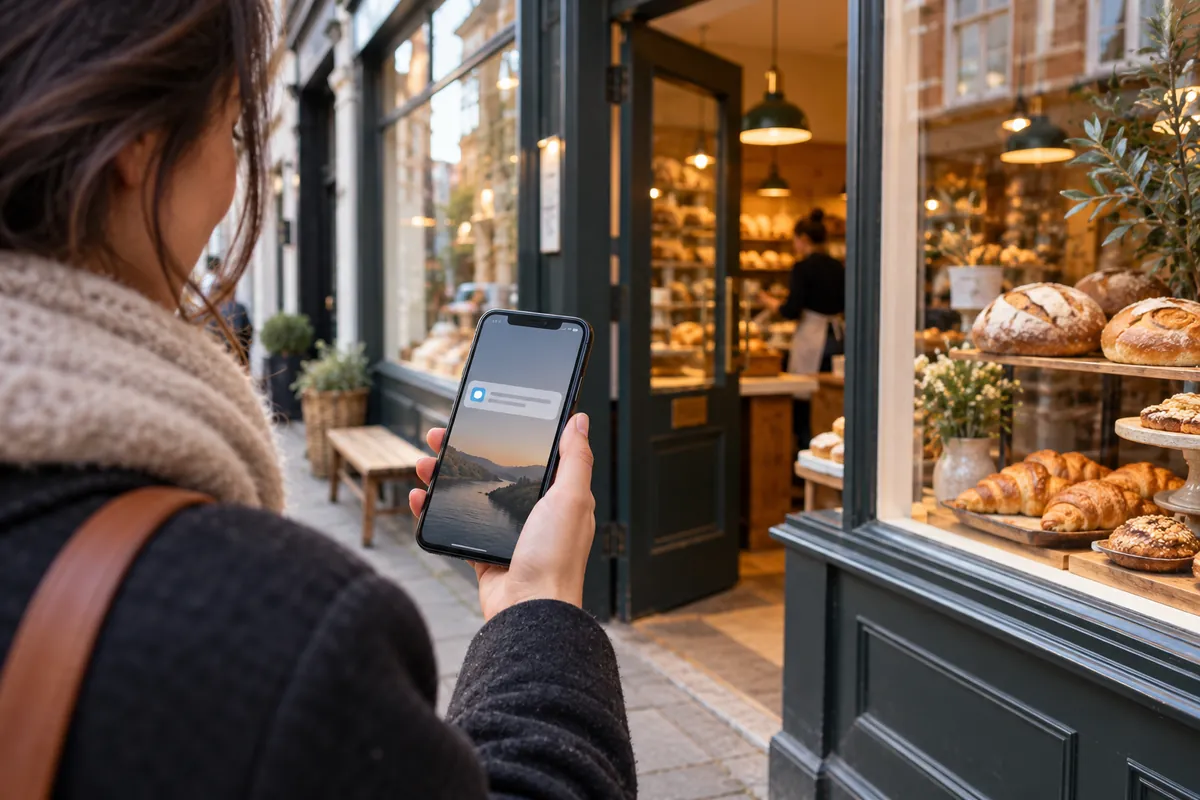
Wallet loyalty cards can carry a list of locations, each with a short message. When a customer with the card is near one of those locations, Apple Wallet may show the message on the iPhone lock screen. Tapping it opens the card, ready to scan.
In Unity this is called geo push. You add coordinates and a message for each of your locations, and the message is built into every member’s card.
What it is not
Geo push is not a tracking system, and it is not a guaranteed alert. The business does not see where customers are; the phone compares its own location with the locations on the card. Apple decides when a message is relevant enough to show, and it limits how many locations a single pass can carry.
That makes geo push gentle by design. Treat it as a helpful reminder at the right moment, not as a campaign channel you can count on delivering.
Writing a good location message
You have one short line, so make it useful and specific to the place.
- “You’re near Bloom Coffee: show your card for 5% back today.”
- “Popping past? Your points cover a free pastry.”
- “Lunch at the market stall: members skip the queue at the side window.”
- Avoid vague lines like “Welcome!” and anything that sounds like surveillance.
- Keep it current: an old seasonal message looks careless.
Which businesses benefit most
Geo push works best where customers pass by often: cafés near stations, high-street shops, lunch spots near offices, gyms on a commute. It is less useful for destination businesses that people plan to visit, such as a salon booked weeks ahead.
If you have several locations, give each its own message. Members of your Islington site may never visit the Brixton one, but the reminder costs nothing when they do.
Privacy: what to tell customers
Customers sometimes worry that a location message means they are being tracked. Explain it simply: the card contains your shop’s location, and their phone decides whether to show a reminder when they are nearby. The business does not receive their location. A line in your joining information and your privacy notice is usually enough to reassure people.
Customers stay in control. They can turn off notifications for the card, or location access for the wallet, in their phone settings at any time.
Keeping messages fresh
Because the message is part of the card, update it when your offer changes: a summer drink, a weekday lunch deal, a new opening time. Diary a quick review once a month. An out-of-date message (“mince pies are back!” in March) does more harm than none.
Use different wording for different sites if their customers differ. A station café might talk about speed, a neighbourhood café about a seat and a slice of cake.
Combine it with other messages
Geo push is included in every Unity plan. For messages that must reach customers at a set time, use scheduled push, SMS or email campaigns instead; see push notifications vs SMS vs email and the customer notifications page.
For current guidance on customer information and marketing preferences, see the ICO’s direct marketing resources and our Privacy & GDPR policy.